QuickBooks inventory management software

QuickBooks inventory management for wholesale distributors

Live stock counts your reps see while they sell, fulfillment that deducts on its own, and one quantity that reads the same in SimplyDepo and in QuickBooks.

Official partner
Book a demo
Live inventory counts from QuickBooks Online shown in the SimplyDepo app

Distributors keeping stock honest across QuickBooks

Gotham
Brickyard
Brooklyn Best
Tenace Distributing
Winneram
88 Acres

Where QuickBooks inventory meets the sales floor

QuickBooks Online inventory management holds quantities and what they are worth. A distributor also needs that count in a rep's hand at the moment of the order, and a fulfillment step that keeps both systems telling the same story.

Real-Time Stock
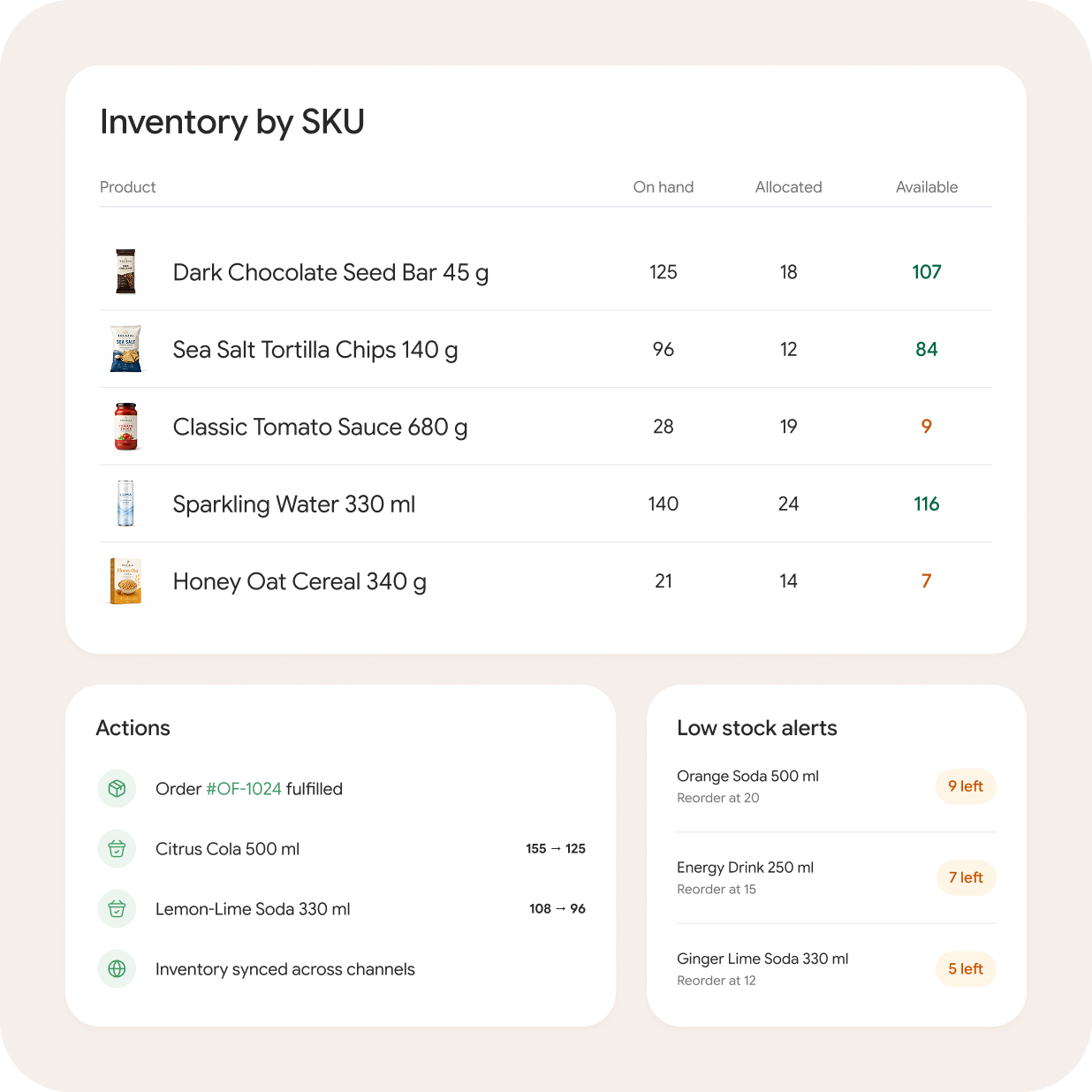
Item quantities syncing between QuickBooks Online and SimplyDepo

Real-time stock

One count, live in both systems

  • Quantities straight from QuickBooks

    Item counts sync from your QuickBooks Online inventory, so what the team sees is what your books say.

  • Deducted at fulfillment

    Marking an order fulfilled takes the stock down once, in both places, with nobody keying it twice.

  • One answer, not two

    When a count changes on either side, the item record reconciles on the next sync rather than leaving two versions of the truth.

Book a demo
Inventory Tracking
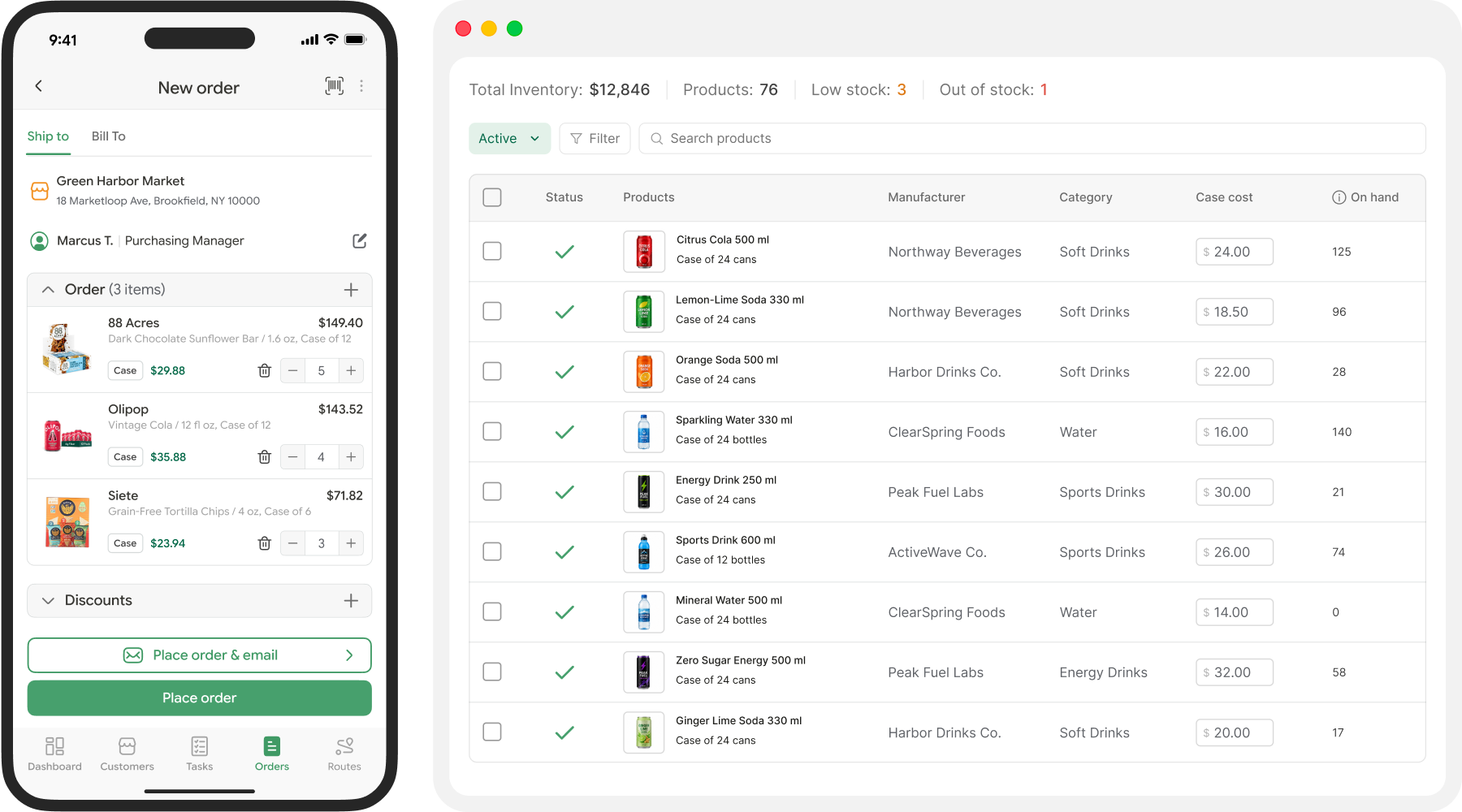
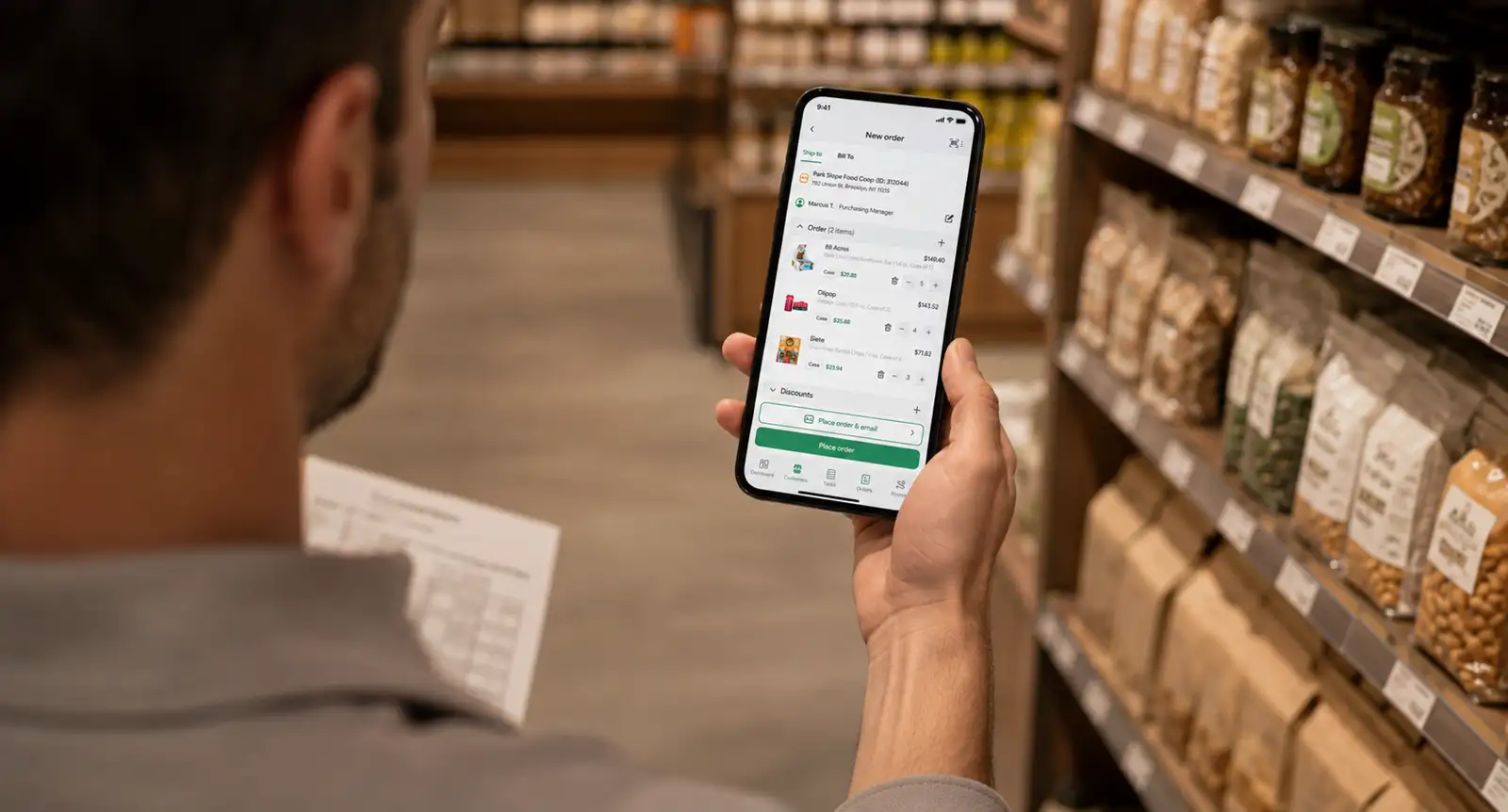
Rep checking live stock availability while writing an order in store

Inventory tracking

QuickBooks inventory tracking your reps can see

  • Live availability while ordering

    Reps see what is on hand as they build the order, so they sell what you can actually ship this week.

  • The catalog in the aisle

    Images, pack sizes and stock status on the phone, in the store, with the buyer standing right there.

  • No accounting login required

    Reps get the numbers they need without anyone handing out access to your books.

Book a demo
Scope
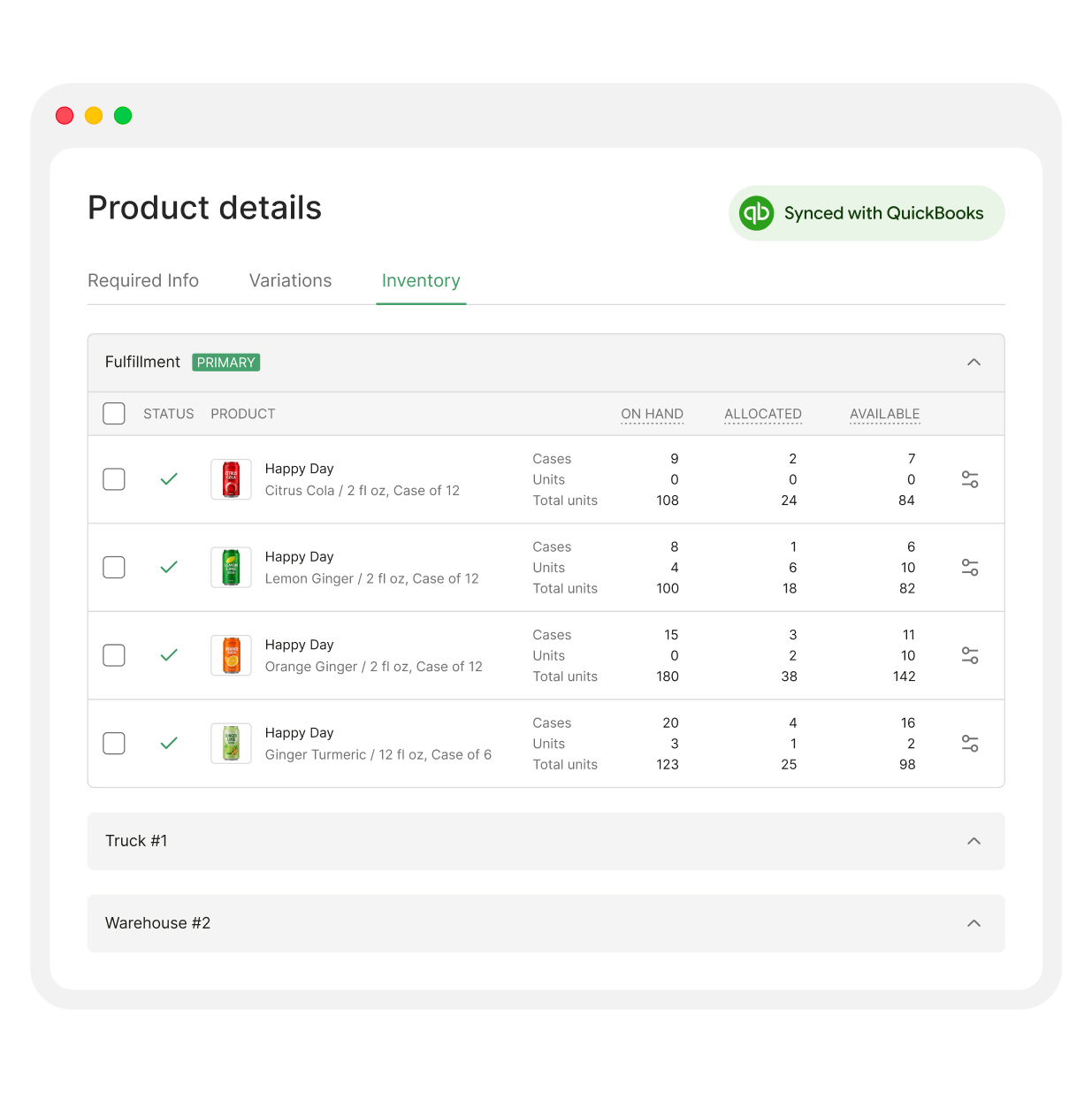
Single fulfillment location inventory view in SimplyDepo

Scope

Built for multi-location distributor inventory

  • Inventory across fulfillment locations

    Manage inventory across fulfillment locations in SimplyDepo while keeping total inventory aligned with QuickBooks Online.

  • Warehouse workflow included

    Pick lists from paid orders and bulk fulfillment come with it, and the warehouse page walks through how that runs.

  • Bin-level control

    SimplyDepo manages inventory across fulfillment locations. Bin-level control, barcode-driven putaway and advanced cycle counting are the point where a dedicated WMS becomes the better fit.

Book a demo

How inventory syncs with QuickBooks

1

Items come across

Your QuickBooks item list, quantities and prices load on the first sync and stay current from then on.

2

Selling moves the number

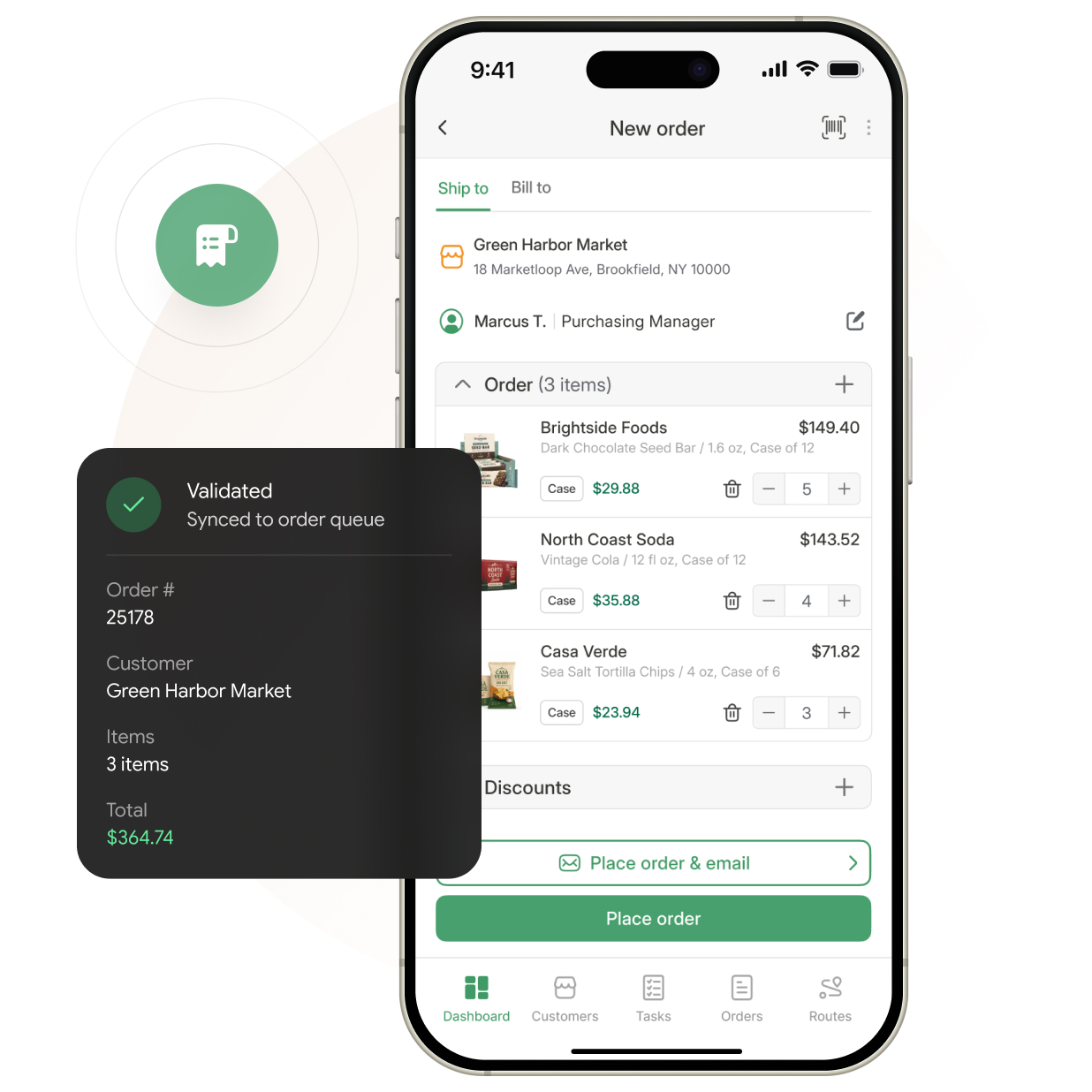
Orders and fulfillment adjust availability as they happen, so reps never quote stock you have already sold.

3

QuickBooks stays the ledger

Fulfilled orders post back to your books, and QuickBooks keeps valuation, COGS and reporting where they belong.

See your own item list in the flow

Bring your QuickBooks catalog and watch stock move from order to fulfillment to your books on a live call.

30-day free trial
No minimum users
Free team training
Book a demo
SimplyDepo awards

Customer results!

Distributors and brands use SimplyDepo to simplify sales, orders, routes and retail execution. See results they achieve.

  • With SimplyDepo, manual reporting and QuickBooks reconciliation disappeared. Reporting is now 3x faster and order accuracy climbed to 95%+

    Smiling man with short, light reddish-blond hair in a gray collared shirt stands before a beige background, representing Field Sales Software.

    Trent Moffat

    Founder at Gotham DSD

    Read case study
    • 3X

      Order accuracy improvement

    • 95%

      Increase in reordering volume

    A cheerful delivery worker with glasses and a cap holds a tablet and package, while another moves boxes. GOTHAM DIRECT STORE DELIVERY text appears.
  • With SimplyDepo, manual reconciliation disappeared. Orders now process three times faster and order accuracy exceeds 95 percent.

    Smiling woman with straight, shoulder-length brown hair in a reddish-brown top, foregrounded with others blurred behind her.

    Laura Mendez

    Operational Manager

    Read case study
    • 3X

      Faster order processing

    • 70%

      Reduction in order corrections

    A fully stocked supermarket aisle with blurred shelves, featuring the Tenace Distributing logo and two playing cards (10, Ace of clubs).
  • With SimplyDepo, the team saved 40+ hours weekly across reps and achieved 120% more efficient routes.

    Happy man with short, dark hair in a light green jacket stands smiling against a solid green background, radiating positive energy.

    Tim Sher

    Vice President, HC Foods

    Read case study
    • 3X

      Faster order processing

    • 70%

      Reduction in order corrections

    Centered against a blurred grocery store aisle, the HC Foods logo stands out in blue and red amid shelves of assorted products.
    INTEGRATIONS

    Inventory, orders and your books

    Stock is one piece. The same QuickBooks Online integration carries order management and warehouse activity too, and connects ERP, eCommerce and logistics through 100+ native integrations or your own build on our Open API.

    Book a demo
    QuickBooks Online
    The HubSpot logo displays the word "Hub" in dark blue letters and "Spot" with dark blue and orange colors. An eye-catching orange icon, designed to look like a network or molecular structure, is positioned alongside the text.
    The Zapier logo features the word "zapier" in all lowercase black letters, with a small orange horizontal line positioned just before the text.
    The Zebra Technologies logo features a sleek, black-and-white design with a distinctive, stylized zebra head graphic on the left. To the right of the icon, the word "ZEBRA" appears in bold, uppercase letters, creating a modern and professional visual identity.
    The Acumatica logo displays a sleek blue abstract symbol positioned beside the company name “Acumatica” in bold dark blue lettering, all set against a clean white background.
    The Shopify logo displays a green shopping bag with a bold white "S" on it, accompanied by the word "shopify" in sleek black lowercase letters positioned to the right of the icon.
    The image displays the company name "stripe" written in bold, lowercase purple lettering against a light-colored background.
    The ShipStation logo features a green gear icon positioned to the left of the word "ShipStation," which is displayed in bold, green lettering.
    The Twilio SendGrid logo displays a red circle with four white dots alongside the text "twilio SendGrid" in bold dark blue font, set against a light-colored background.
    Book a demo

    When QuickBooks alone is enough

    If your stock never leaves one building and nobody sells away from a desk, QuickBooks inventory on its own may be all you need. The rows below are where a distributor starts wanting more.

    Book a demo
    Capability
    Item quantities and valuation
    Live stock visible to field reps
    Mobile ordering against live stock
    Pick lists from paid orders
    Bulk fulfillment with auto deduction
    Account pricing tied to live stock
    Buyer self-service reordering
    Stock across multiple locations

    Stays in QuickBooks
    ✅ Built-in
    ✅ Built-in
    ✅ Built-in
    ✅ Built-in
    ✅ Built-in
    ✅ Built-in
    ✅ Built-in
    QuickBooks alone

    ✅ Built-in
    ❌ Not included
    ❌ Not included
    ❌ Not included
    ⚠️ Manual
    ⚠️ Limited
    ❌ Not included
    ⚠️ Advanced Inventory
    FAQ

    Everything you
    need to know

    Have more questions? Contact us

    QuickBooks inventory management software puts the item counts held in your books to work everywhere else: in the rep’s order screen, on the pick list and at fulfillment. QuickBooks keeps quantity on hand and valuation; the connected app handles selling and shipping against it.
    Items, quantities and prices come across from QuickBooks. Orders and fulfillment move availability in SimplyDepo, and fulfilled orders post back to your books, so the same number describes the same shelf in both systems.
    QuickBooks stays the ledger of record for quantity on hand and valuation. If an adjustment is made there, the item record reconciles on the next sync. Your team confirms how adjustments and stocktakes are handled during setup.
    Yes, and this is the part an accounting add-on does not cover. Reps see live availability while they build the order in the store, without anyone giving them a login to your books.
    Stock sync runs on the QuickBooks Online API. If you are on Enterprise with Advanced Inventory, you already hold multi-location quantities that SimplyDepo does not replace. The conversation there is about what sits on top of it, so bring your setup to the call.
    Yes. SimplyDepo can manage multiple fulfillment locations. QuickBooks deducts inventory from the default warehouse while total inventory remains synced; warehouse-level distribution is managed inside SimplyDepo.
    Most distributors connect QuickBooks, map items and go live within 3 to 5 business days. See the current SimplyDepo pricing page for plan details; onboarding and team training are included.

    Schedule your demo

    Choose a convenient time to explore SimplyDepo with our team.